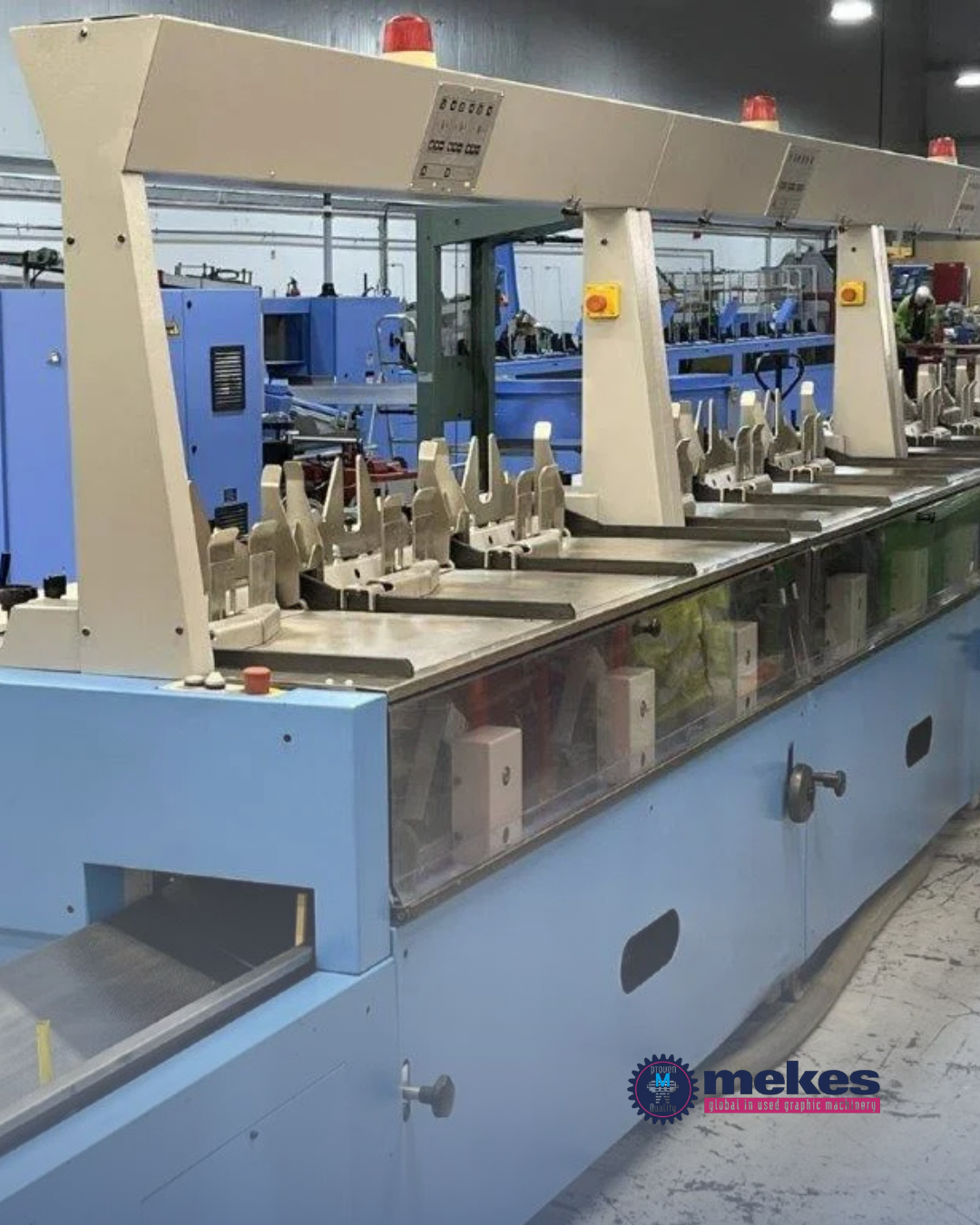
In the printing industry, every extra year of service from your machine is worth the effort. When you’ve invested in a high-quality press, you want it to perform at its best for as long as possible. Extending the life of your used printing machine isn’t complicated but it does require consistency, care, and the right approach.
At Mekes Graphic Machinery, we help businesses all over the world keep their machines running smoothly. Here, we share 4 key practices that can add years of reliable service to your press.
1. Invest in preventive maintenance
Preventive maintenance is not only cleaning, but it’s also a systematic approach to protecting your equipment.
- Establish a schedule for inspecting key components such as rollers, feeders, and pressure systems.
- Remove dust and ink build-up regularly to keep moving parts free of resistance.
- Lubricate according to the manufacturer’s specifications, and calibrate settings for colour, alignment, and pressure to maintain print accuracy.
- Keeping a maintenance log ensures you can track wear patterns and address issues before they disrupt production.
2. Protect your press by using high-quality consumables
Your machine’s performance depends heavily on the quality of the materials you use. Low-grade inks may cause clogs or inconsistent colour, while poor paper stock can lead to feeding problems and dust build-up. Even lubricants need to match the machine’s technical requirements to avoid damaging internal parts. Mekes advises customers on the best, machine-compatible consumables to protect parts and ensure optimal results, which saves time, money and frustration in the long run.
By selecting high-quality, compatible consumables, you not only protect sensitive mechanisms but also produce better results with fewer rejects, which saves both time and materials.
3. Maintain a stable operating environment
The environment where your machine operates directly influences its lifespan. Dust can interfere with sensors, while fluctuating temperatures can cause mechanical parts to expand and contract, affecting precision. High humidity can wrap paper and compromise ink adhesion. Aim for a clean, climate-controlled workspace with stable humidity levels and good ventilation. These conditions reduce mechanical stress, keep printed materials consistent, and help maintain electronic stability.
4. Replace wear parts in time
Some parts naturally wear out with use such as rollers, belts and sensors. Waiting for them to fail risks more serious damage and unexpected stoppages. Establish replacement intervals based on usage hours or production volume and keep critical spares in stock. This approach prevents unplanned downtime and protects other components from damage.
Your next step to a longer-lasting press
With the right approach, your used printing machine can deliver high-quality results and dependable performance for years. Regular maintenance, careful operation, and timely part replacements are the keys to extending its lifespan. Contact us for advice of extending the lifetime of your printing machine.